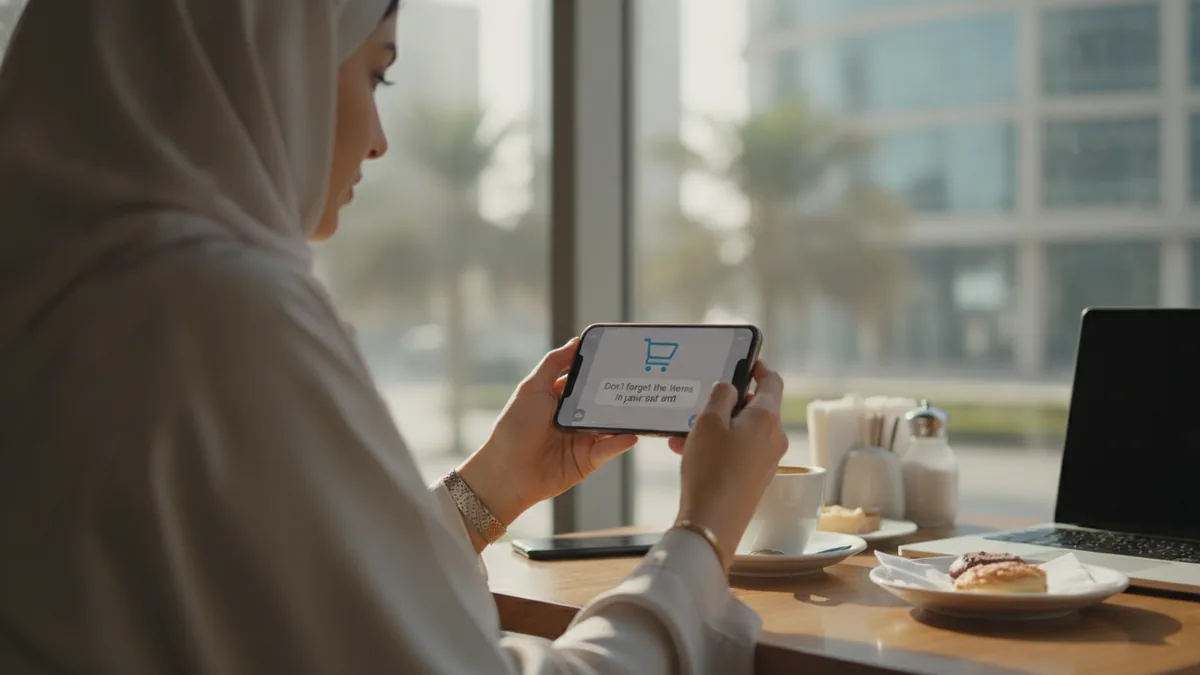
Most online shoppers in the UAE add products to their cart and leave without paying. Industry estimates put average cart abandonment around 70%, and for many local stores selling fashion, electronics or beauty, recovering even a small share of those carts is worth more than any new ad campaign. Email has been the classic recovery channel, but in the UAE customers read WhatsApp far more reliably than email. This guide explains how to build an abandoned cart recovery flow on WhatsApp and email, what to send and when, and how to stay within WhatsApp's rules.
Why carts are abandoned
- Unexpected delivery fees or VAT shown late at checkout.
- Required account creation.
- Payment problems or missing options such as cash on delivery, Tabby or Tamara.
- Unclear delivery time or return policy.
- Simply browsing or comparing prices.
Fix the first four in your checkout before relying on reminders; recovery messages work best for the last group.

WhatsApp vs email for cart recovery
| Open rate in the UAE | Very high | Much lower |
| Cost | Paid per marketing template message | Very low |
| Consent | Explicit WhatsApp opt-in required | Marketing consent required |
| Two-way conversation | Yes, customer can ask questions | Rarely |
| Best use | First, fast reminder and support | Follow-up with product details |
A proven recovery sequence
- 30–60 minutes after abandonment (WhatsApp): friendly reminder with product name, image and a direct cart link. Offer help: "Any questions about size or delivery?"
- 4–24 hours (email): cart contents, reviews, delivery and return info.
- 24–48 hours (WhatsApp, optional): small incentive such as free delivery, only for high-value carts or first-time buyers.
- Stop as soon as the customer buys or replies asking not to be contacted.
If the customer replies, an AI assistant can answer common questions instantly and pass complex ones to your team. See WhatsApp business automation in the UAE.

Message tips
- Use the customer's name and the exact product, not a generic "you forgot something".
- Write in English and Arabic based on the customer's language.
- Keep it short with one clear button or link.
- Avoid discounting every cart; customers learn to wait for codes.
- Send during reasonable hours and respect weekends and prayer times.
WhatsApp rules to follow
- Use the WhatsApp Business API and approved marketing templates.
- Collect clear opt-in at checkout, for example a checkbox to receive order updates and offers on WhatsApp.
- Give an easy opt-out in every message.
- Keep within the UAE Personal Data Protection Law.
Measuring results
- Recovery rate: recovered orders ÷ abandoned carts messaged.
- Revenue recovered per channel and per message step.
- Cost per recovered order, including WhatsApp fees and discounts.
- Opt-out rate, which should stay low.
Zenith connects your store to WhatsApp and email, sends recovery sequences automatically and lets AI handle replies, with results visible in the CRM. Recovered customers can then join your loyalty programme. Book a consultation to set it up.
Frequently asked questions
Is it allowed to send abandoned cart messages on WhatsApp?
Yes, through the WhatsApp Business API with approved templates and the customer's opt-in.
When should I send the first reminder?
Usually 30 to 60 minutes after the cart is abandoned, while the purchase intent is still fresh.
Should I always offer a discount?
No. Start with a reminder and help; reserve incentives for high-value carts or first-time buyers.
How much does WhatsApp cart recovery cost?
You pay Meta per marketing template message plus your platform fee. One recovered order usually covers many messages.
Does it work for Shopify and WooCommerce stores?
Yes. Both platforms can send cart events to a WhatsApp automation platform through integrations or webhooks.